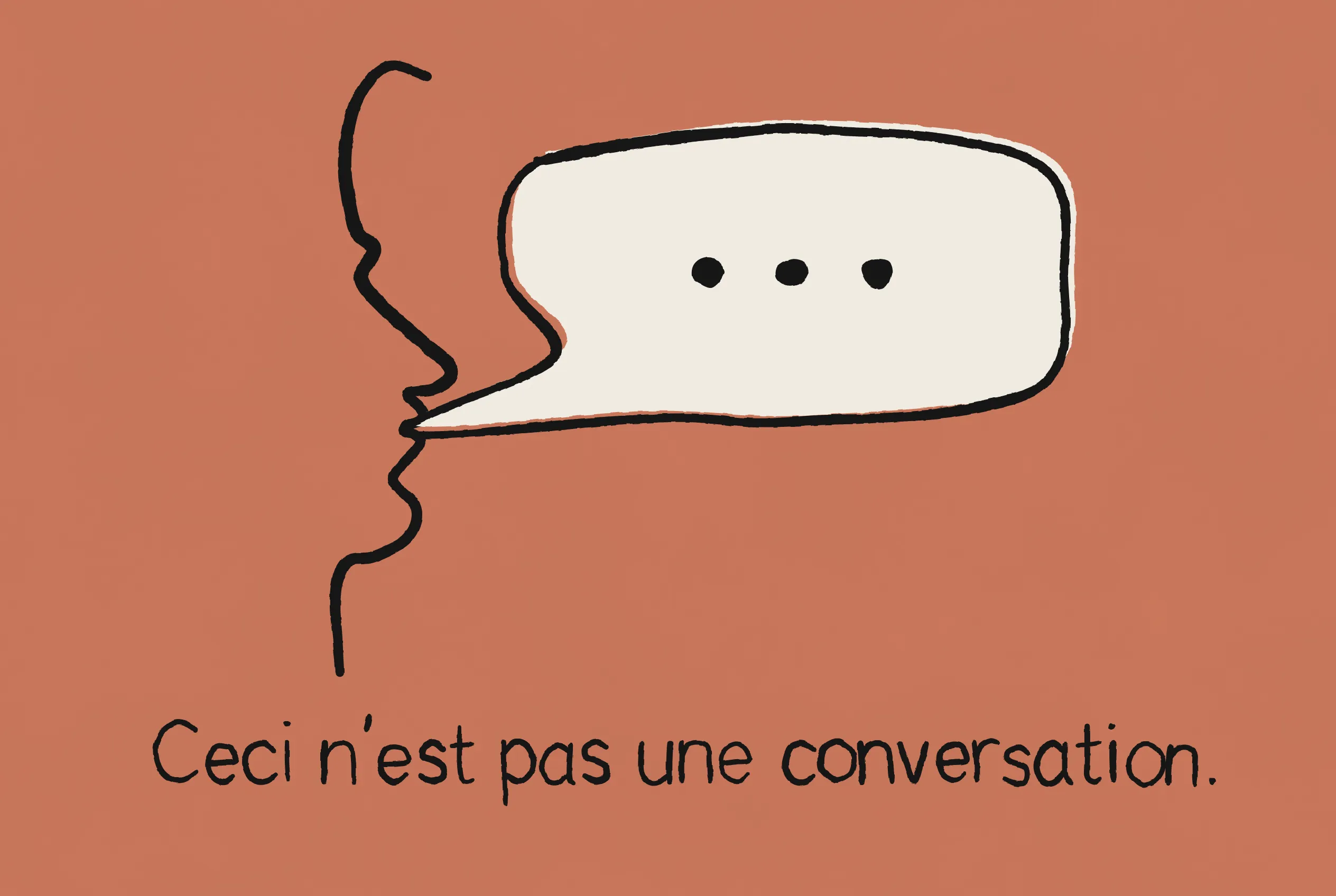
I watched this TED Talk “How to Stop AI From Killing Your Critical Thinking” by Advait Sarkar and I’ve been thinking about it ever since. While its aim was pretty clear in the title, what I found fascinating as a product designer was how light years ahead some of the interaction patterns were in this piece compared to what we see in AI products currently. They spoke to my big issue with AI at the moment: when it comes to knowledge work, you’re often faced with a wall of text. With AI you’re able to do and create things that you’ve never been able to do before and yet, especially in the early days, everything was just inside a chat window, with a huge scroll to go back to the useful information you’d found, which fell completely short from an experience point of view.
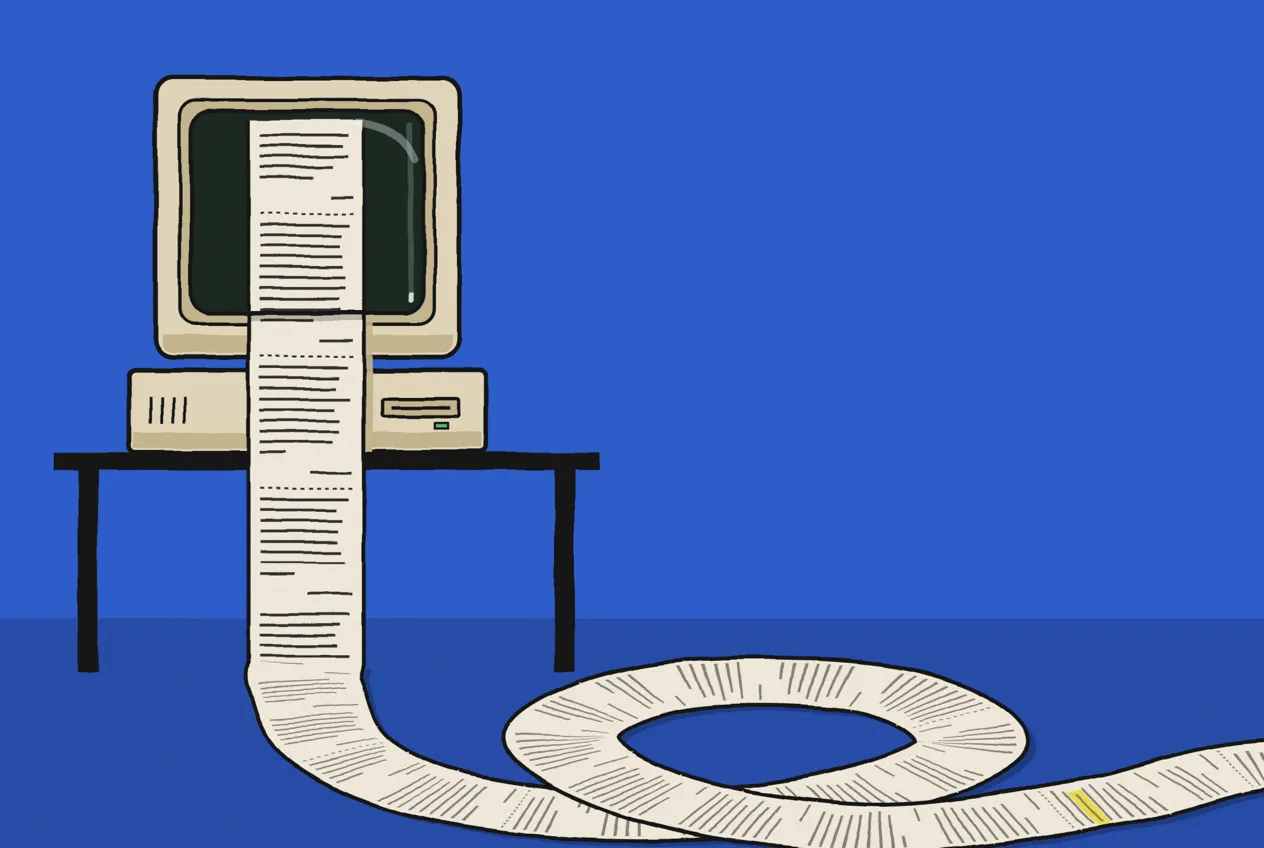
I hated having to scroll back up to find something that had been said. I hated having to highlight some AI output, copy and paste it into the chat window, then comment on it myself. I hated how, through a long thread, things were so easily lost, and it made me think about how a process like that works in real life. It all felt so clunky and underwhelming; it was as though I’d been given a Ferrari but I couldn’t get it out of second gear.
A lot of the time in my real-life work I have artefacts of some kind. It might be a notebook, pen and paper, or in my case a Figma or FigJam file. While I’m iterating and figuring things out on a FigJam board, I’ve always got that visual element that anchors my piece of work to refer back to and iterate on. Any dialogue or decisions made would be recorded or noted down. AI was missing all of this.
I managed to figure out a few workarounds for this. Using the Notion MCP, I’d get Claude to paste the artefact (if written) into a Notion page, then I’d leave comments and ask Claude to review them. I also used comments in VS Code. My Notion workflow worked well, but it needed two screens and could be quite token-heavy. I was trying to force a way of engaging with work done with AI as a thinking partner to create an even and productive dialogue. I’ve bounced around, using Claude in the terminal, then VS Code, then back to the desktop app (see my take on improvements below), trying to squeeze and cajole it into the experience that I want.
Killing Me Softly
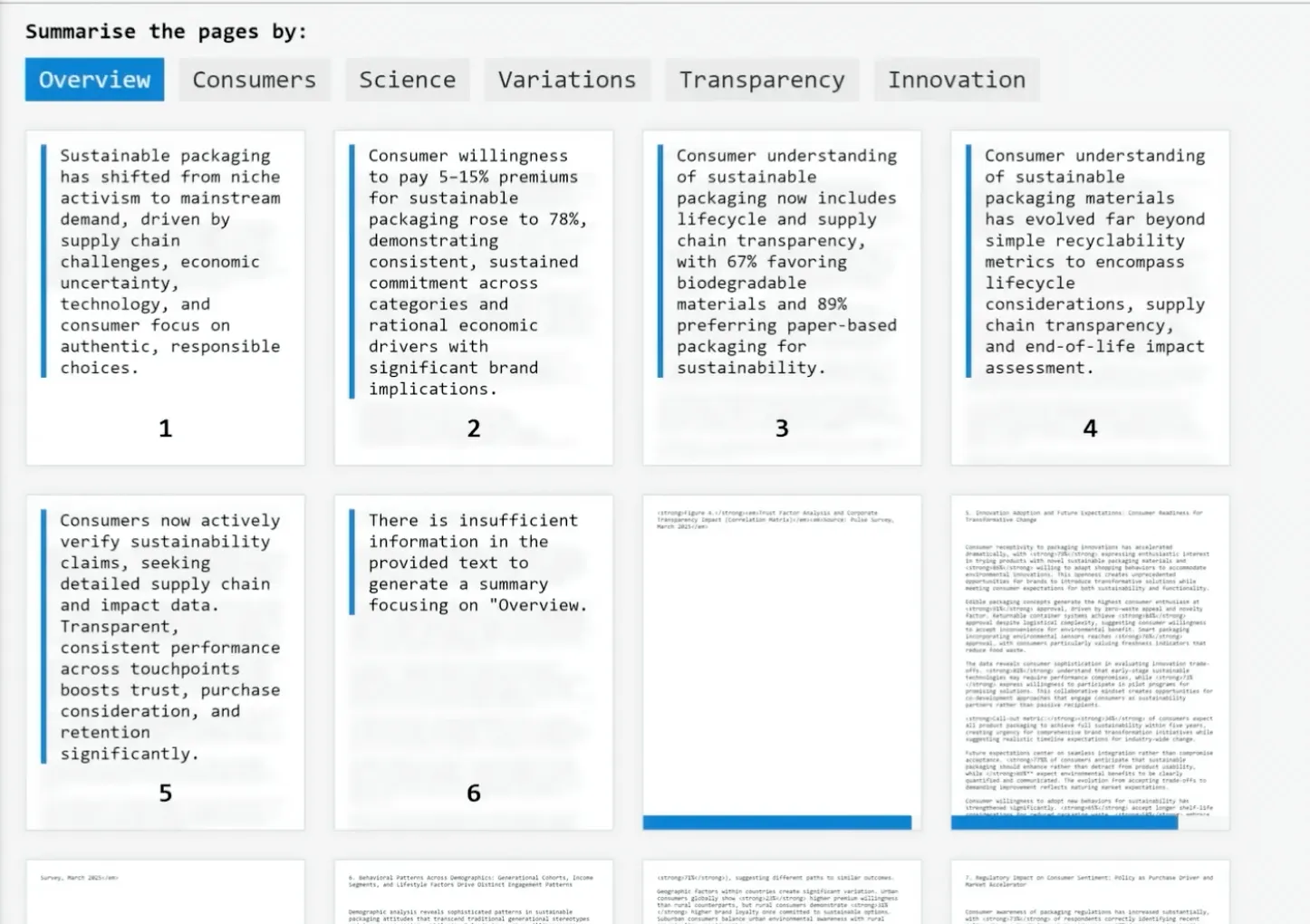
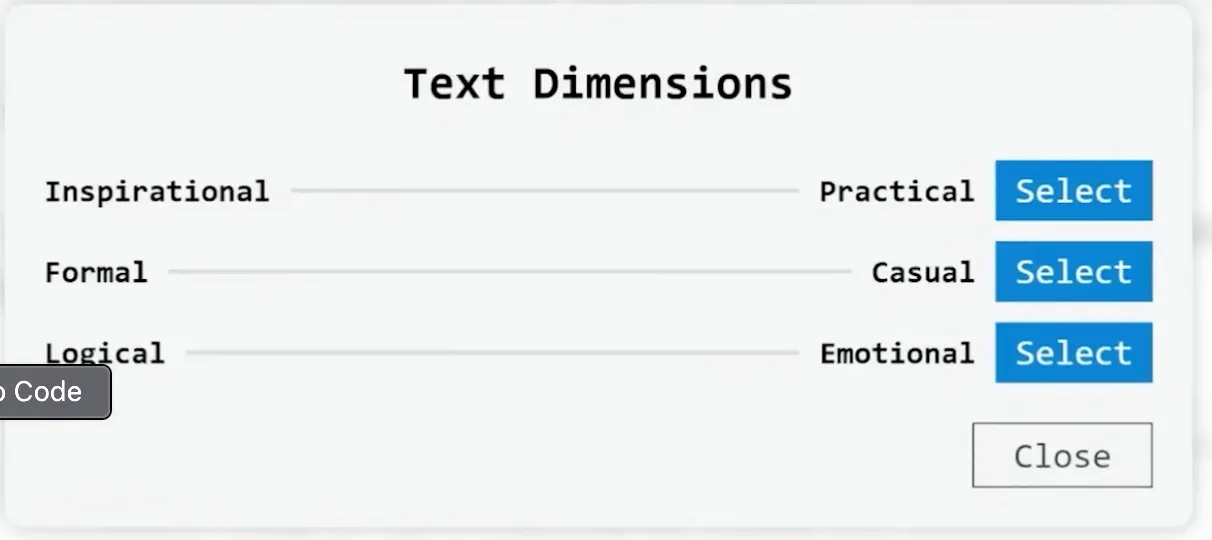
This is what Advait Sarkar gets to the heart of in his TED Talk (TEDAI Vienna, September 2025). He argues that when we hand our thinking over to AI assistants, we end up with fewer ideas, less critical thinking and a weaker memory of our own work. There’s almost a distance created between the user and the work, instead of bringing them closer to it. He then demos a Microsoft Research prototype that treats AI as a “tool for thought”: documents are read through customisable lenses, AI “provocations” question your reasoning as you go, and text can be reshaped along dimensions such as tone, with previews before anything changes. There is no chat box anywhere in the interface, and the person still reads, decides and writes.
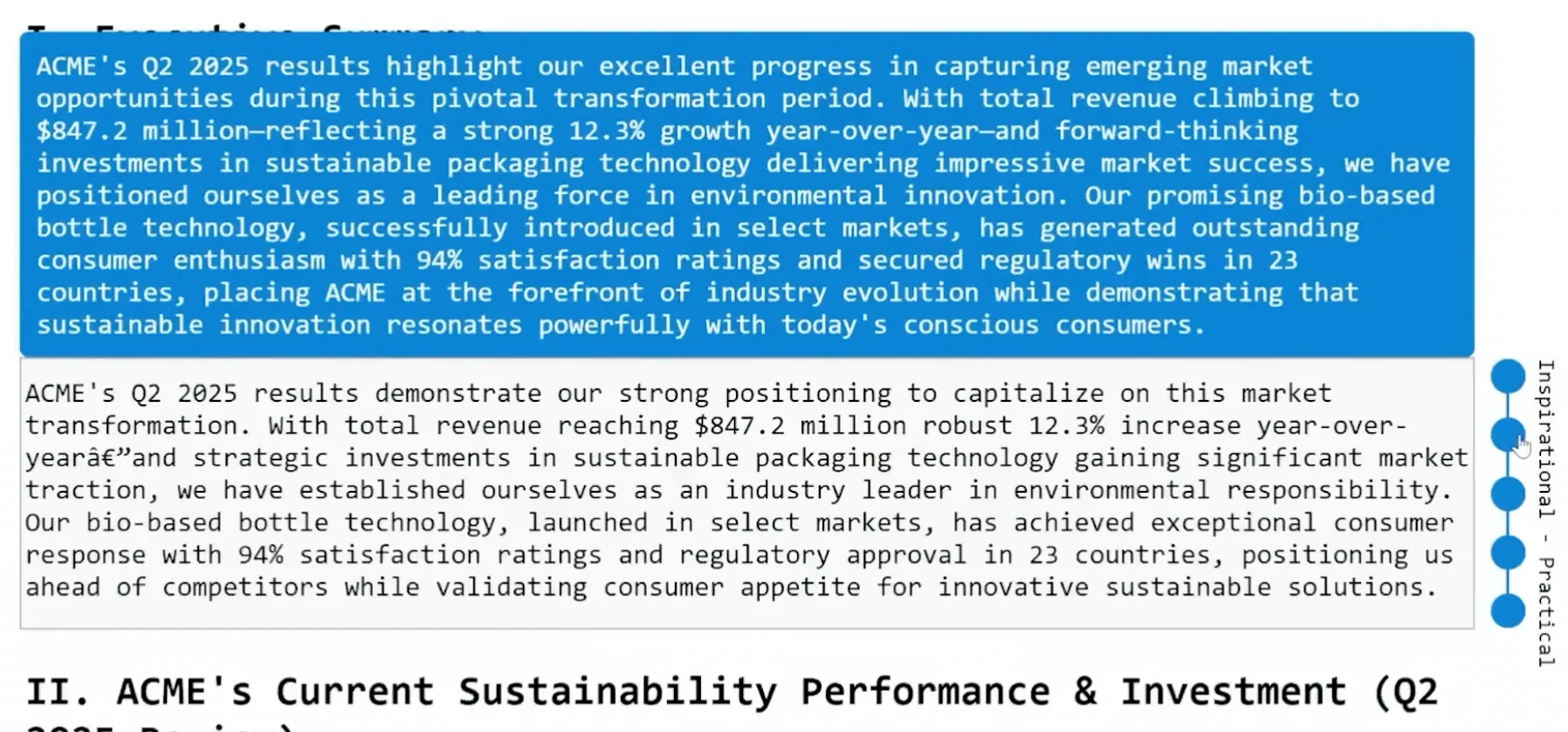
I think part of the reason people feel their critical thinking slipping is the interface itself. When the dialogue between human and AI is unequal and uneven, and it’s hard to put your points across, it’s easier to accept what you’re given than to push back. That feeds the problem of people outsourcing their problem-solving to AI wholesale. Sarkar’s prototype is a step towards solving the “chat window” problem. Faced with such a powerful tool, we should have, and need, the full range of interaction models at our disposal in order to work with AI, and new ones too. Thankfully, working with Claude daily, I’m noticing a month-on-month improvement in Claude’s experience and interface.
Tracking Claude’s Improvements
Over the last six months AI has got a lot better at this.
Claude now has comments, which I use regularly, queueing them up and sending them as a batch. I do love the ability to highlight text in responses in plans, respond to that specific text, queue all my responses into a single message and send them all together - this has made a massive difference to the feedback I give. This helps that dialogue between the user and AI, but it can go further. How? I still think we need to reduce the emphasis on a chat window.
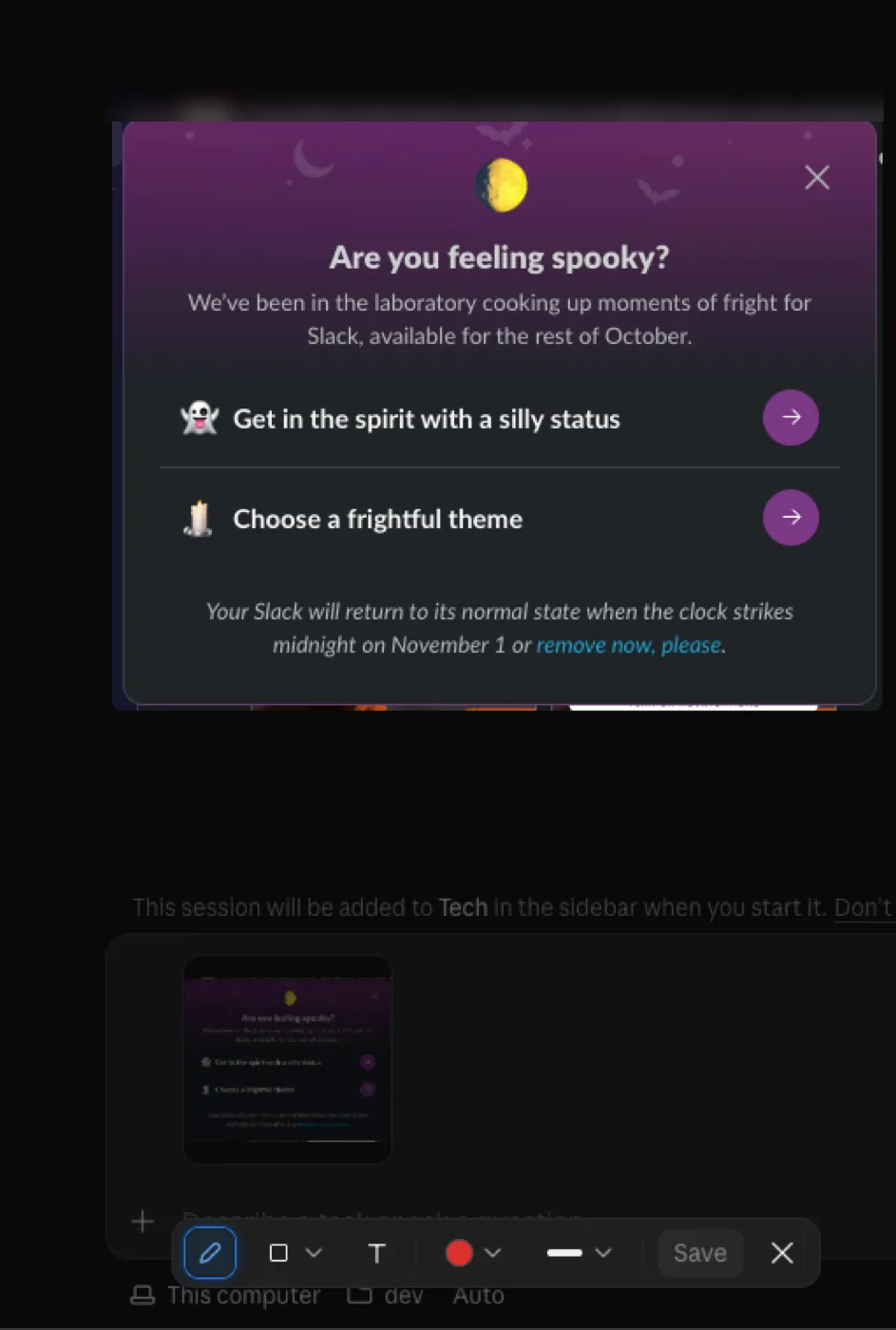
Another example: when you attach a screenshot in Claude Code now, you can annotate it, which makes it much easier to show Claude what you mean.
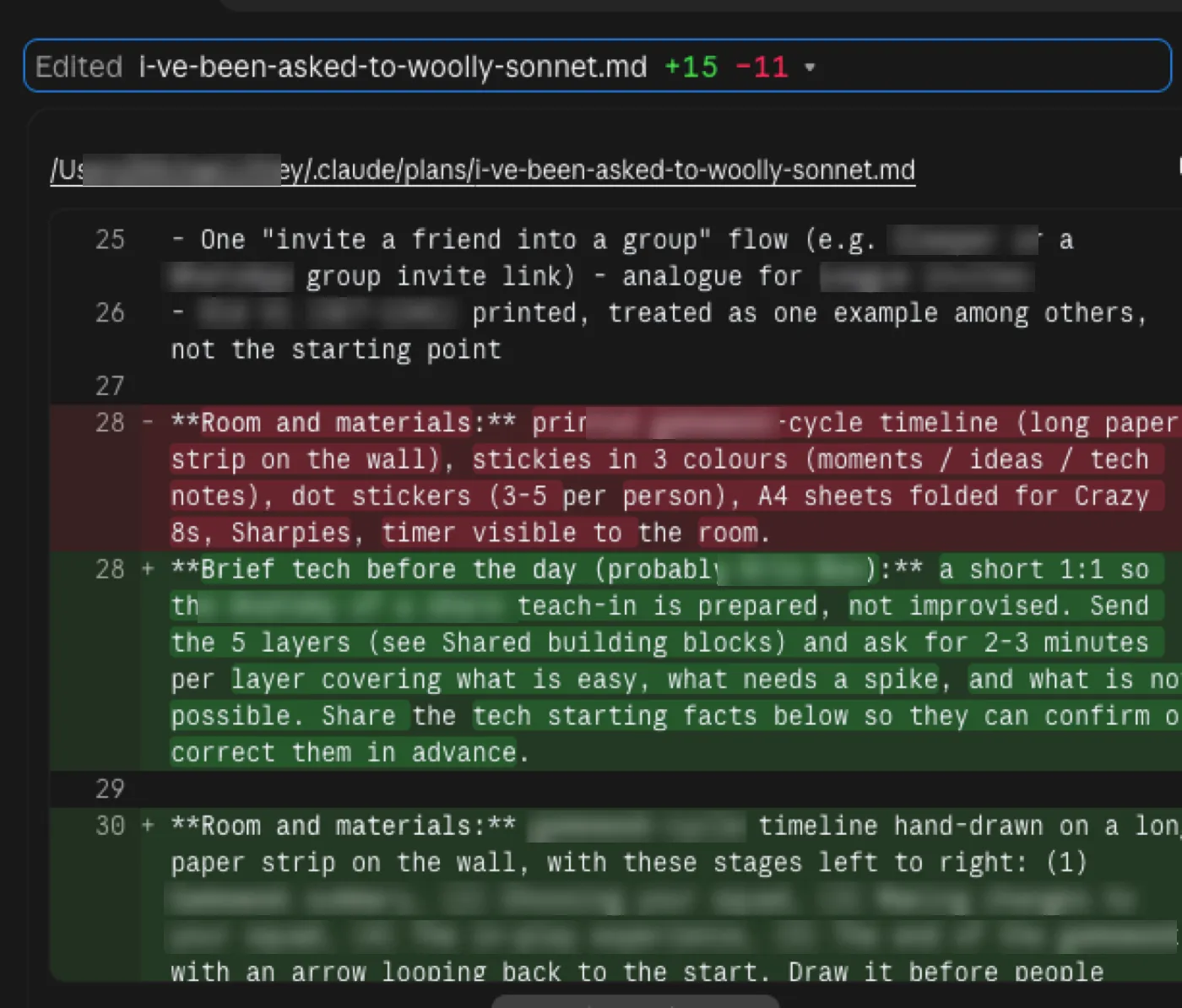
One thing I used to struggle with specifically is when you revise a plan with Claude. You select text and add comments to the plan, and Claude goes away, revises it and comes back. I thought it didn’t show you which aspects had been revised, which meant a lot of work just trying to find what the revisions were. It turns out you can see them: Claude shows a count of lines added and removed, and you click on it to open the diff. It’s just not very clear. A diff, the before and after of a change, is a carryover from VS Code and the like, and it wasn’t something I was familiar with before I started using Claude Code. The nearest thing non-technical people will know is Track Changes in Microsoft Word. Claude Code is a code product, but non-coders use it, and that’s the needle its designers have to thread. Still, it’s a sign of the dialogue improving: show system status and changes.
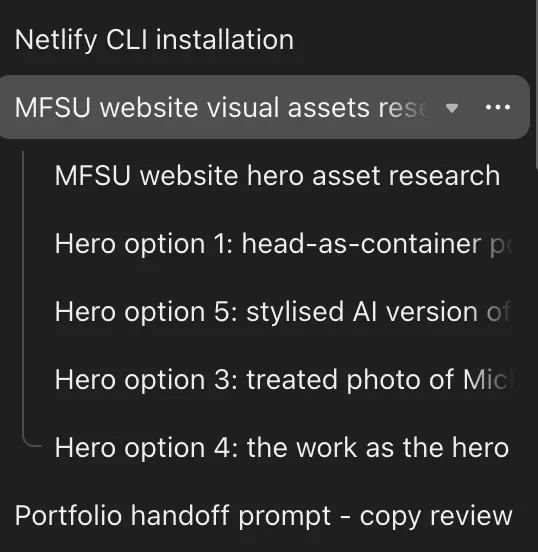
One more example, probably my favourite, is this new ability to have threads controlled by a main chat. This is the big one for me. It means that you can split a project into different threads with their own context windows. These chats can talk to one another and send messages back to the main chat. This has meant managing longer workflows or bigger projects is much, much easier.
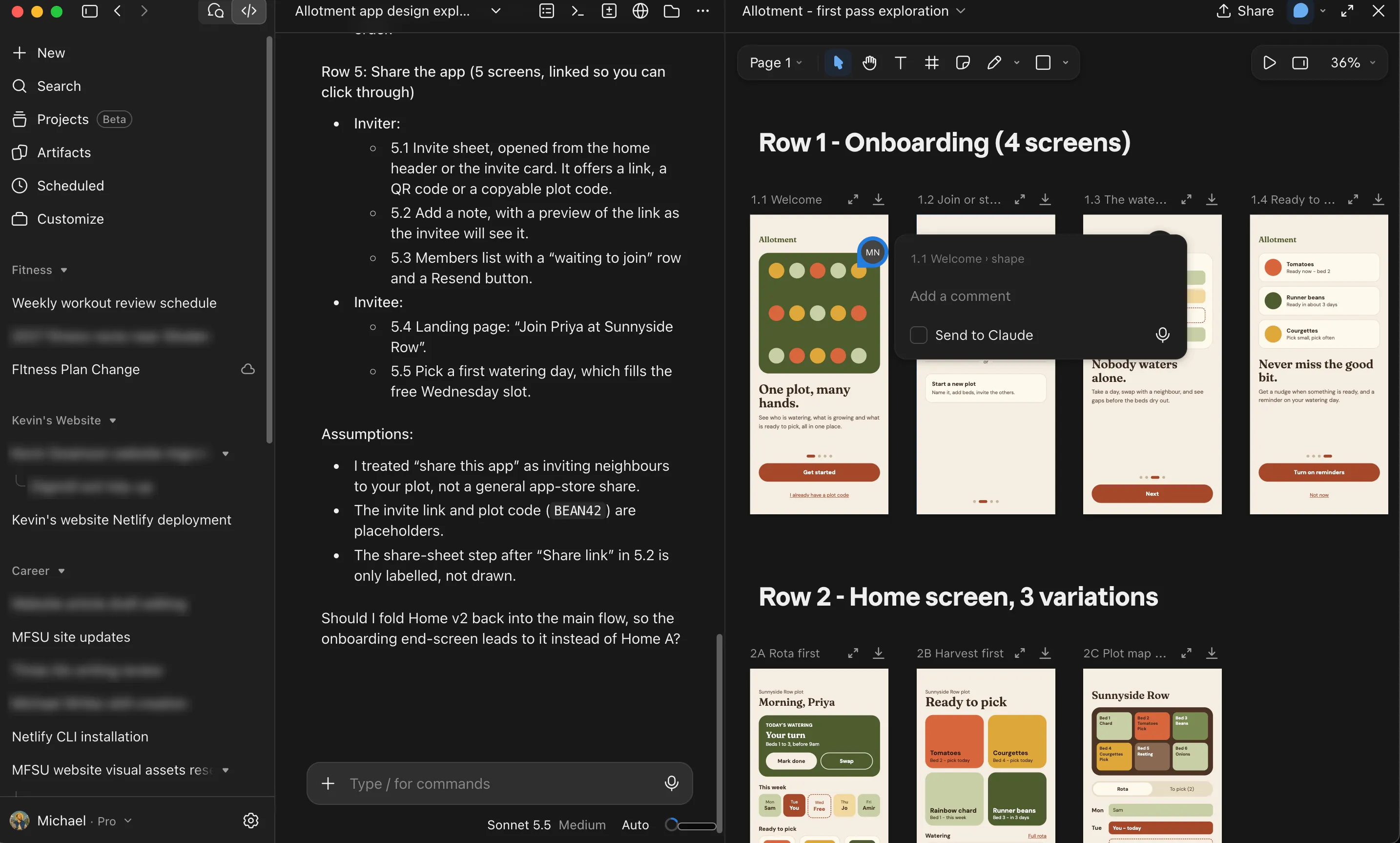
I can now create a canvas within the Claude app, delegate what I want in it, jump into it, leave comments, notes and direction, and then have that very same canvas edited and iterated on without generating yet more artifacts.
The point is that the artifact stays where it is and is iterated on, rather than added to constantly. This has made just as big a difference, and it’s good not just for my design flow but also for ideas, thoughts and brainstorming sessions.
What’s Still Missing
Still bothering me: When Claude asks questions in a plan, you always get the option of “Other” and an input field where you can give your input. But a lot of the dialogue boxes I’m noticing in Claude don’t have an “Other.” It’s often two main buttons. In the example below it’s “Do it here” or “Start.” There’s an Options link too, but that only changes the session’s settings, such as its environment. There’s nowhere to type your own answer.
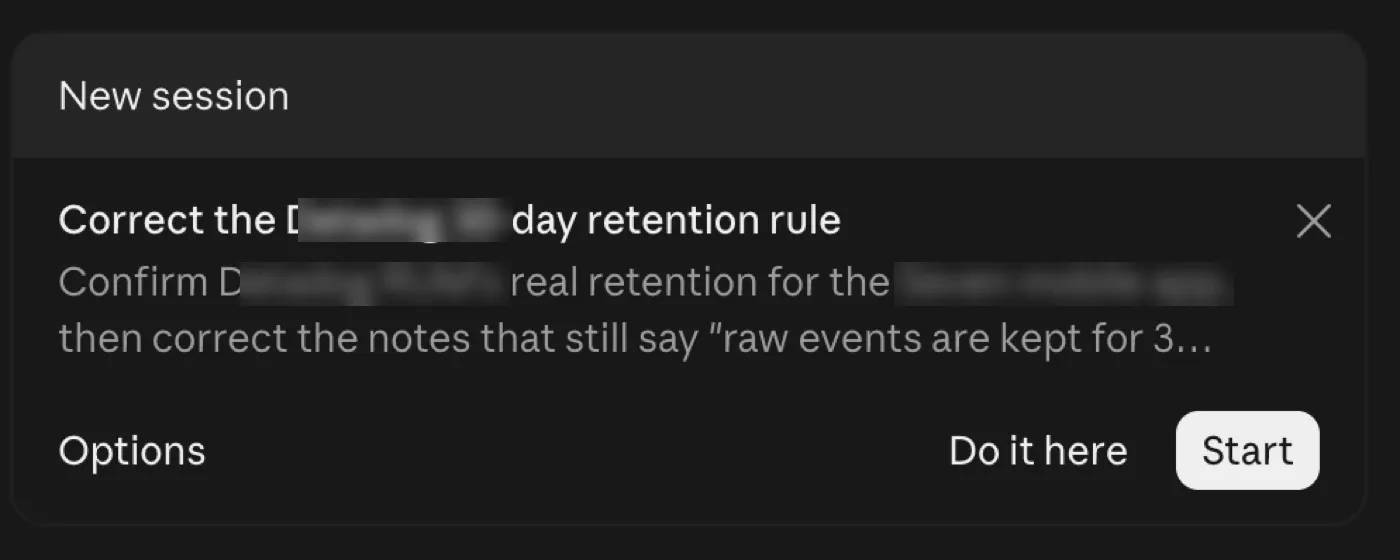
To give your own input, you often have to ignore or dismiss the box and then type your response, which doesn’t really fit the interaction pattern you’re presented with. This one’s still a frustration.
A more sophisticated way to organise sessions - grouping and nesting have helped, and there’s already a little status indication: a session flashes while it’s working and shows a yellow dot when it needs your attention. But it can go a lot further than chats in folders. Status badges for running, waiting, paused or done, idle sessions fading back, and a countdown ring as the cache goes cold. You can do this with a mod, but it should be part of the UI.
A more malleable UI - bringing mods into the workflow and deploying mods that are Claude-driven as well as user-driven, in the same way Claude does with artifacts. Mods that can modify and show things within the session window and the session UI.
A Tool to Make You Think
Sarkar closes his talk by asking whether you’d rather have a tool that thinks for you, or a tool that makes you think. Every improvement I’ve tracked here points towards the second. Comments, annotation, nested sessions and the canvas don’t do my thinking for me. What they take on is the organising and the tracking: keeping the work in one place, showing what’s changed and holding each thread’s context. That frees up headspace for the problem I’m actually trying to solve.
That’s the “tool for thought” Sarkar is describing, and it’s where I’d like Claude to keep going. Let the interface carry the admin, and leave the thinking with the person. The chat window asks you to hold everything in your head while you scroll back up. A better interface holds it for you, so you can get on with the work.
If any of this sparks a thought, or you’ve found something that works better, I’d love to hear it: [email protected].